- Lagankhel, Buspark, Lalitpur
- info@msilverlight.com.np
Opening Hours: Sunday to Friday - 7 Am to 5 Pm
Opening Hours: Sunday to Friday - 7 Am to 5 Pm

Basics of Computer (Course in Details)
नमस्ते
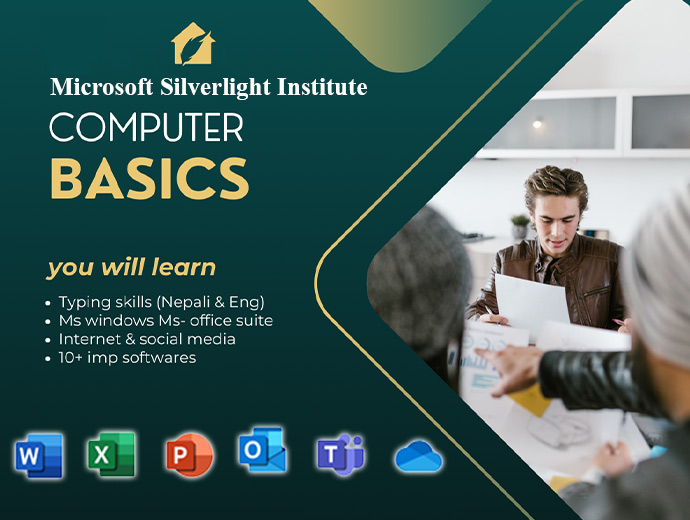
Microsoft Silverlight Institute मा सहुलियत शुल्कमा Basic Computer Course को नयाँ भर्ना खुल्यो!
🔹 के-के सिक्नुहुनेछ?
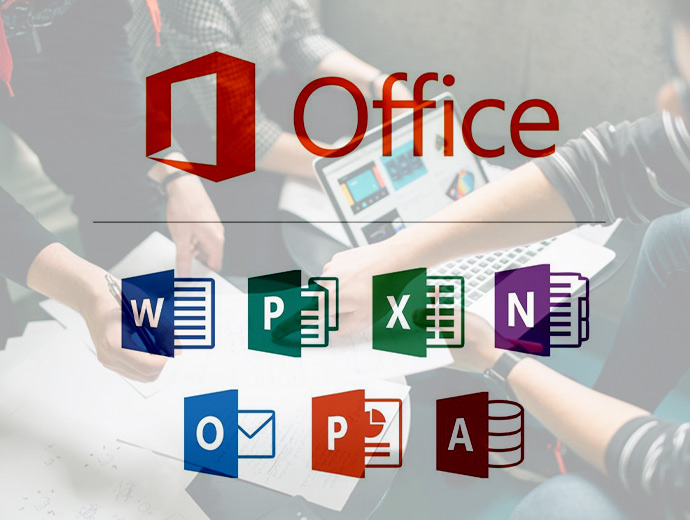
✅ Microsoft Word, Excel & PowerPoint
✅ नेपाली र अंग्रेजी टाइपिङ मास्टर
✅ इन्टरनेट, इमेल र गुगल ड्राइभ
✅ विन्डोज र फाइल म्यानेजमेन्ट
🎓 को-को सहभागी हुन सक्छन्?
विद्यार्थी, एसईई दिएर बसेका भाइबहिनीहरू, गृहिणी, र जागिरको खोजीमा रहेका व्यक्तिहरू।
यस कोर्समा विद्यार्थीहरूले कम्प्युटरको आधारभूत सञ्चालनदेखि लिएर दैनिक कार्यालयको काममा प्रयोग हुने सफ्टवेयरहरू (Microsoft Office) चलाउन सिक्नेछन्। यो कोर्स पूरा गरेपछि विद्यार्थीहरू इन्टरनेटको सही प्रयोग र डकुमेन्ट बनाउन दक्ष हुनेछन्।
इन्ट्रोडक्सन: कम्प्युटरका भागहरू (Hardware & Software) र विन्डोज (Windows 10/11) अपरेटिङ सिस्टम। फाइल म्यानेजमेन्ट: फोल्डर बनाउने, फाइल सुरक्षित राख्ने र सर्टकटहरूको प्रयोग। टाइपिङ: नेपाली (Preeti/Unicode) र अंग्रेजी टाइपिङको अभ्यास।
MS Word: चिठीपत्र लेख्ने, रिपोर्ट तयार गर्ने र डकुमेन्ट डिजाइन। MS Excel: डाटा इन्ट्री, हिसाब-किताब (Formula), र स्यालरी सिट बनाउने। MS PowerPoint: आकर्षक प्रेजेन्टेसन र स्लाइडहरू बनाउने।
वेब ब्राउजिङ: गुगल सर्च र सूचना खोज्ने तरिका। इमेल/जिमेल: इमेल पठाउने, फाइल अट्याच गर्ने र प्रोफेसनल सञ्चार। क्लाउड स्टोरेज: Google Drive र फाइल सेयरिङको जानकारी।
प्रिन्टिङ र स्क्यानिङ: कागजात प्रिन्ट गर्ने र स्क्यान गर्ने तरिका। नेपाली युनिकोड: सामाजिक सञ्जाल र अफिसमा नेपाली टाइप गर्ने आधुनिक तरिका।
Workbook Basics – Understanding rows, columns, and cells. Data Entry – Sorting, filtering, and simple data organization. Formulas – Basic calculations using SUM, AVERAGE, MAX, and MIN. Visuals – Creating basic charts and graphs to represent data.
Design – Choosing templates and creating professional slides. Content – Adding text, shapes, images, and basic animations. Delivery – Managing transitions and running a smooth slide show.
Web Basics – Understanding URLs, Domains, and Web Browsers (Chrome, Edge). Search Mastery – Using Google effectively to find information and fact-check sources. Downloads – Safely downloading files, books, and software from the web.
Account Setup – Creating and managing professional email accounts (Gmail/Outlook). Composing – Writing formal emails, managing attachments, and email etiquette. Collaboration – Introduction to tools like Zoom, Microsoft Teams, and Google Drive.
hreat Awareness – Recognizing phishing, scams, and common viruses. Protection – Best practices for strong passwords and using Antivirus software.
Capstone Project – Create a professional resume (Word), a monthly budget (Excel), and a personal presentation (PowerPoint). Final Exam – Hands-on skills test followed by a certification ceremony.

still taking the class , going good
I want to repeat the class